
AI Studio: create product videos at catalog scale
Turn any packshot or product page into conversion-ready videos and marketing assets in seconds. No studio shoots. No production bottlenecks. Generate images and videos for every product in your catalog, not just your bestsellers.
Most brands can't scale product video
Does creating on-brand visuals feel time-consuming, expensive, and impossible to scale?
If that sounds familiar, JOIN is here to help.

Products without engaging content

Low conversion rates on long-tail products

Inconsistent shopping experiences

Missed revenue opportunities

Create high-converting product videos in seconds
JOIN orchestrates the best AI video models on the market to generate conversion-ready AI videos from a single image.
Product focus
Studio-quality product videos generated from your packshot. Clean backgrounds, controlled lighting, premium movement and professional rendering.
In real life
Place products in realistic environments and usage scenarios. Help customers visualize how products fit into their everyday lives.
Product try-on
Show products on virtual models without a photoshoot. Ideal for beauty, fashion, accessories and lifestyle brands.
Close-up
Highlight textures, materials and product details. Remove purchase hesitation and increase shopper confidence.
Trusted by 400+ Ecommerce Brands
x8
More products enhanced with video
x2.5
Faster content production
90%
Savings on visual content creation
Beyond Video: AI images for any product
Most brands have high-quality creative content for a handful of bestsellers, but little to no visual content across the rest of their catalog.

Select any SKU
Choose a product from your catalog or start from a product page.

Generate benefit-driven visuals
Turn a packshot into multiple lifestyle, promotional, or benefit-focused creatives in seconds.

Personalize & publish
Edit text, generate new variations and create campaign-ready assets with simple prompts.
Create content for every marketing channel
One product. Multiple formats. Generate AI-powered creatives tailored to every stage of the customer journey, from acquisition to conversion.
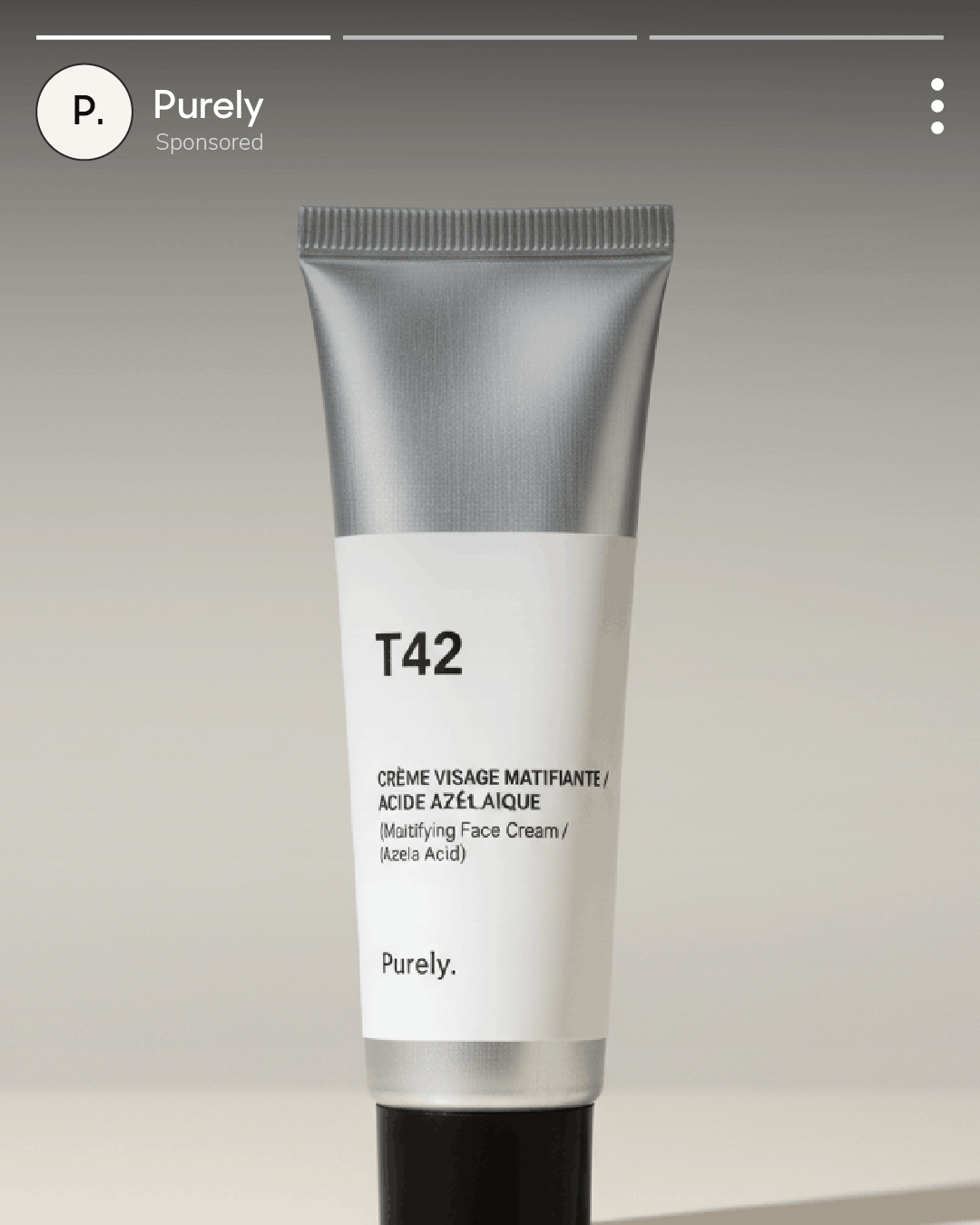
Paid Ads
Create scroll-stopping images and videos for Meta, TikTok, Google, and other advertising platforms.
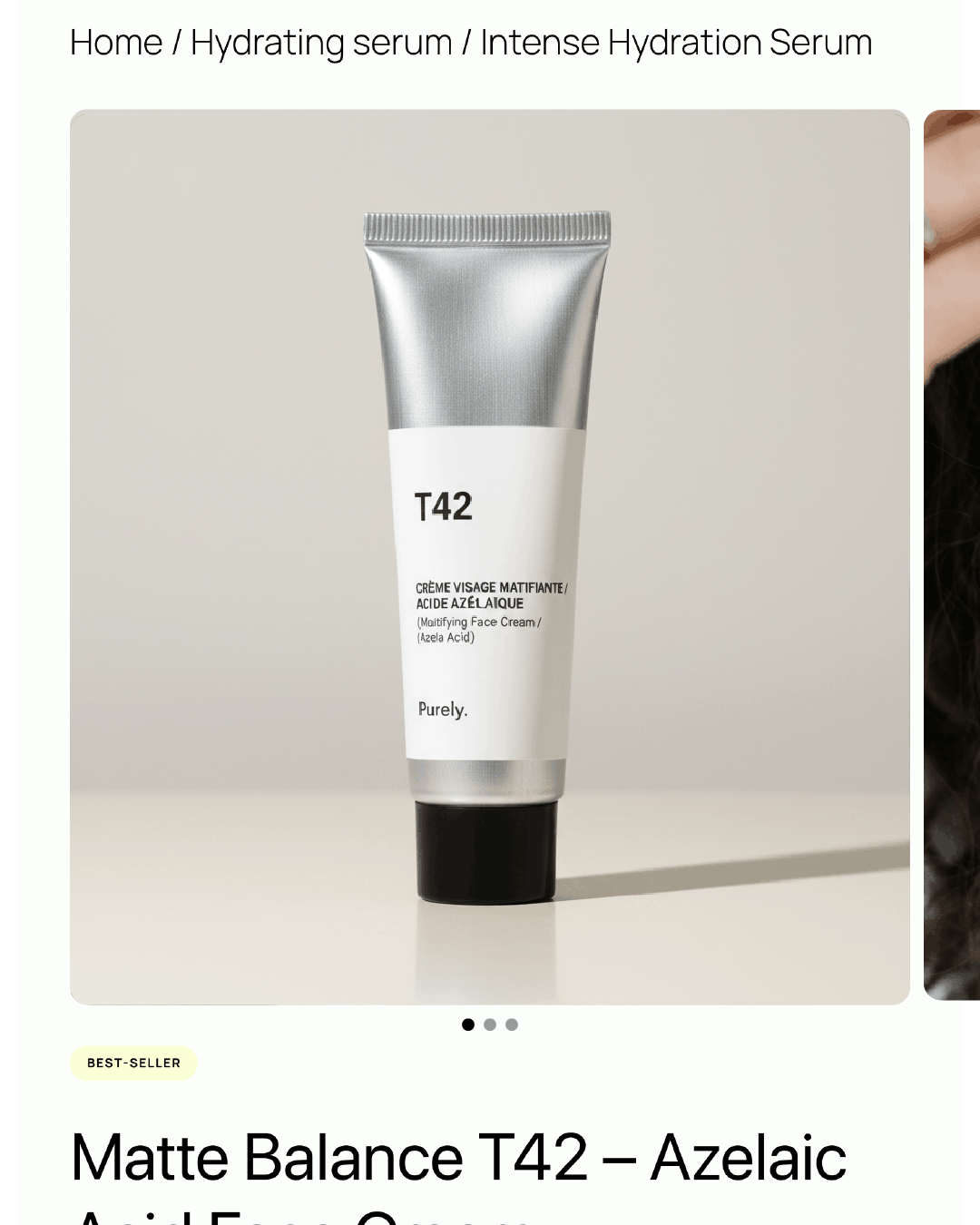
Ecommerce Website
Enrich product and collection pages with visuals designed to increase engagement and conversion.
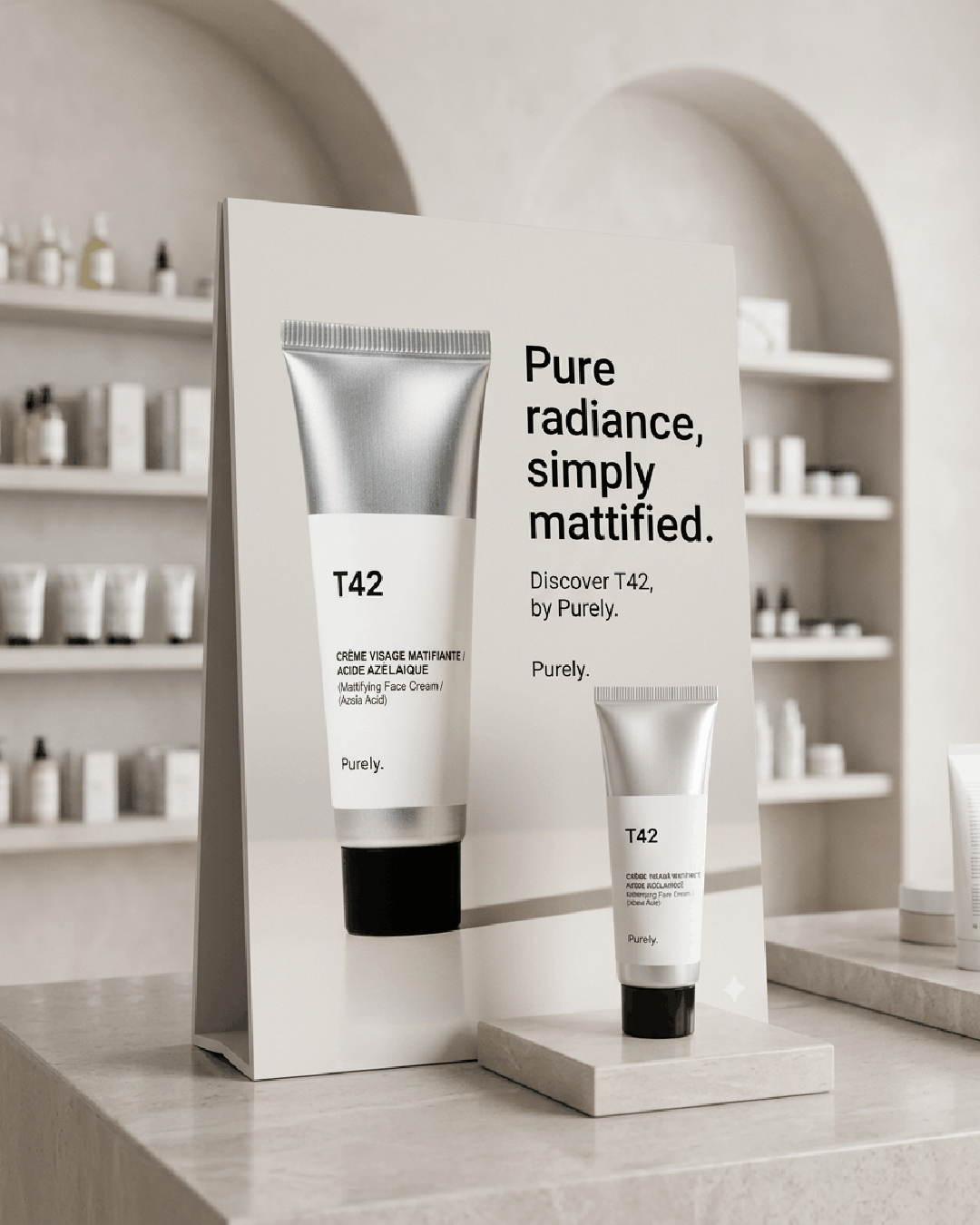
In-Store & Retail
Generate high-quality assets for point-of-sale displays, packaging, catalogs, and other retail marketing materials.
Built to scale across thousands of products
Whether you sell 20 products or 20,000, creating product videos shouldn't become a bottleneck.
Generate from existing assets
Start with packshots, product pages or existing product imagery.
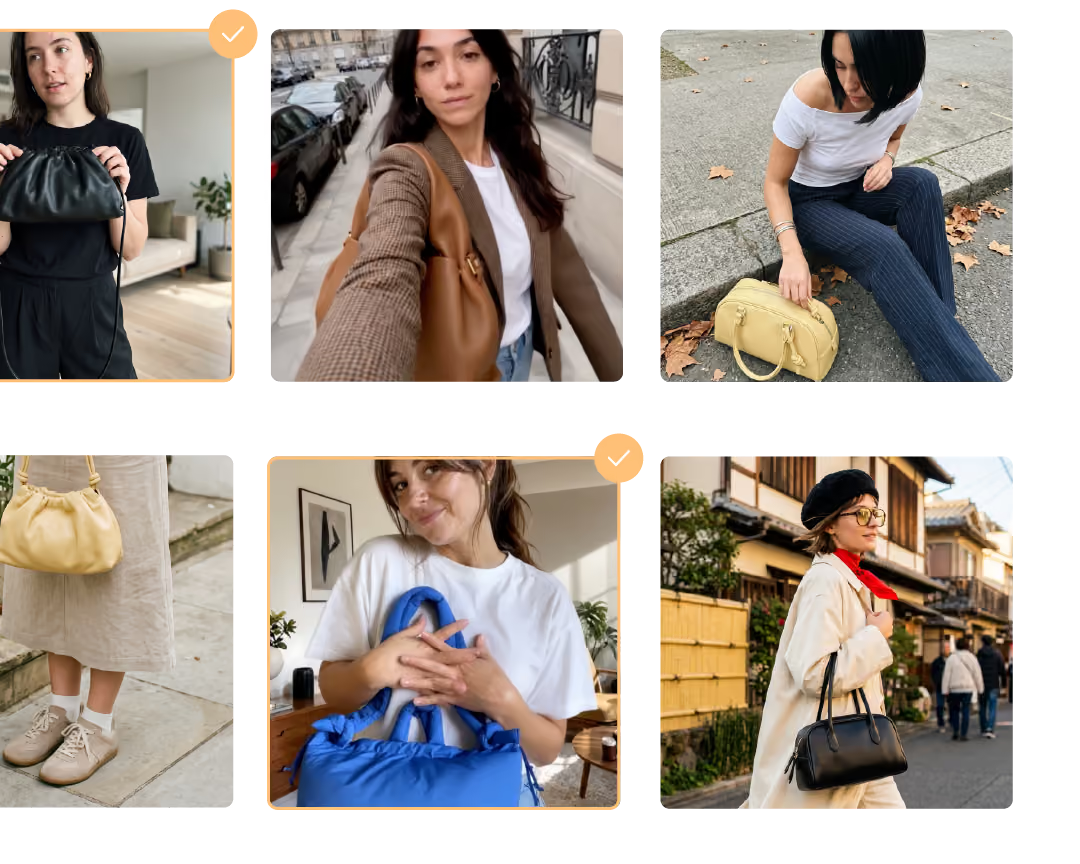
Create videos in minutes
No creative brief, production planning or agency coordination.
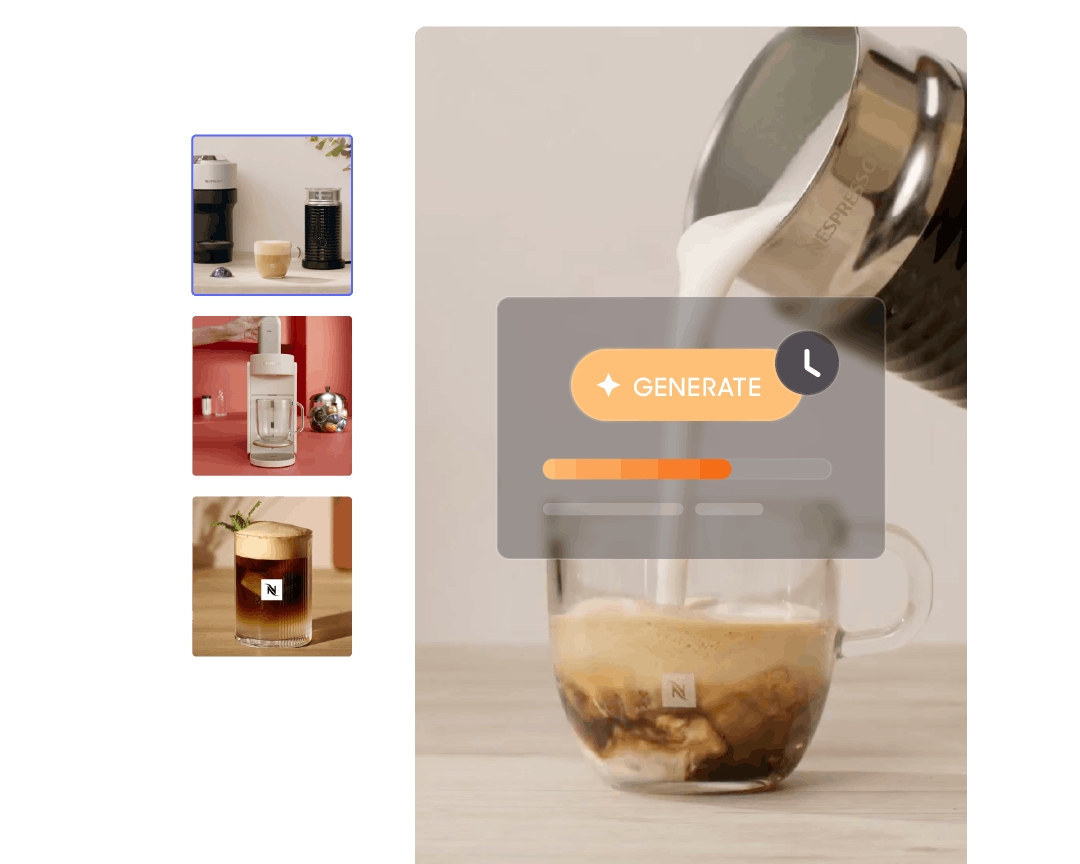
Scale across your entire catalog
Create videos for long-tail products, seasonal collections and new launches.
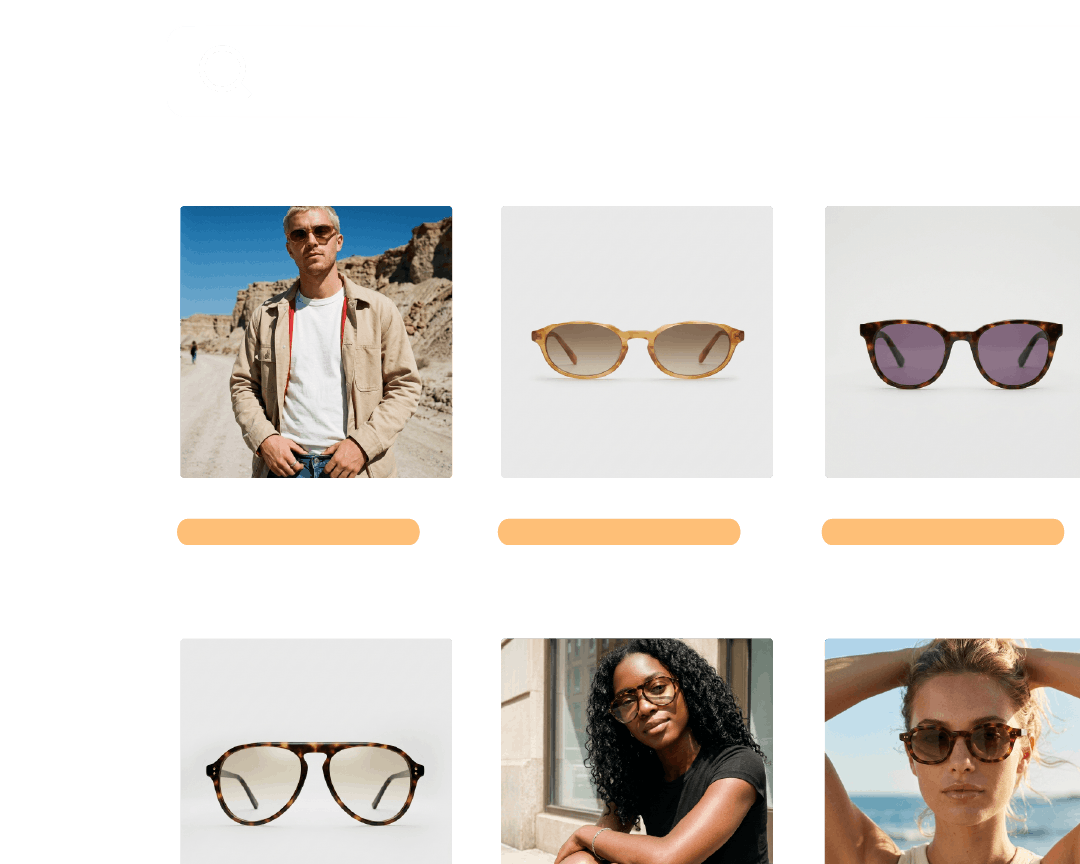
Stay consistent & on-brand
Maintain a cohesive visual identity across every product page.
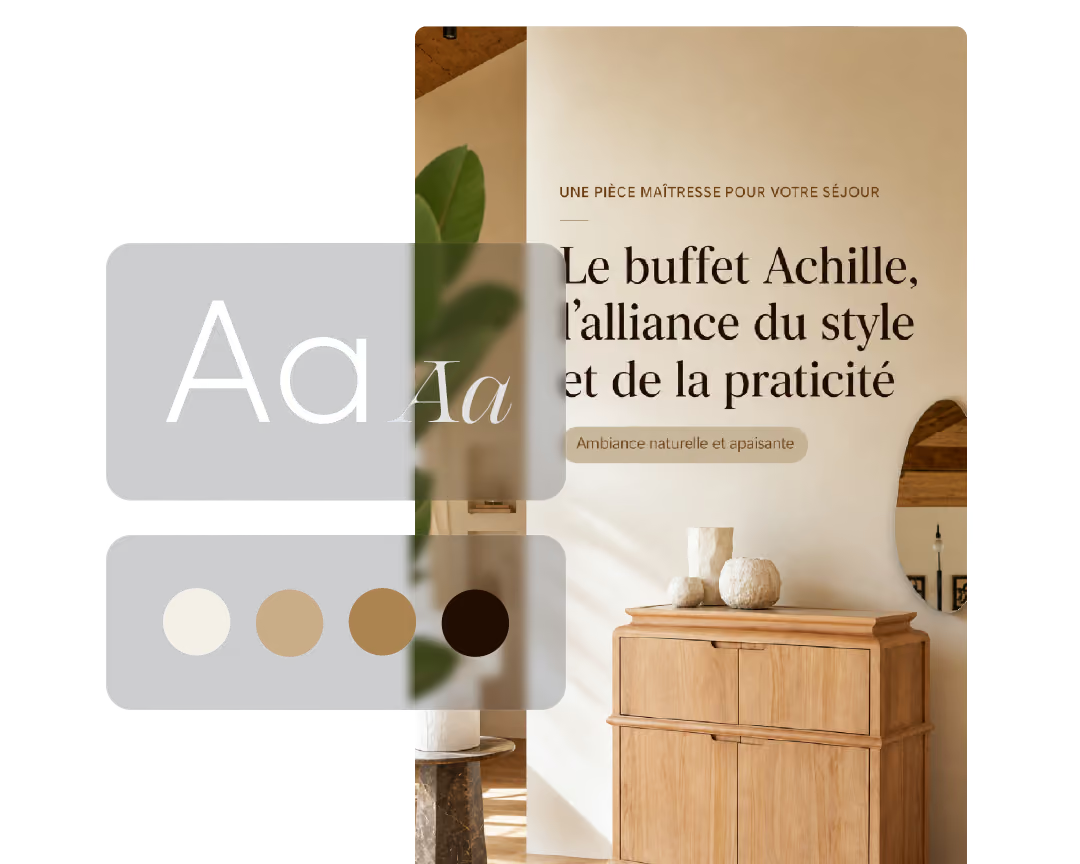
AI creatives, made by real brands
Why brands choose JOIN AI Studio

From bestsellers to full catalog coverage
Create AI-powered videos and visuals for every product in your catalog.

Performance-driven content creation
Generate ecommerce creatives built to convert, then create more of what works.

Create once, distribute everywhere
Publish content across every shopping touchpoint: your website, app, email, and paid social.
Ready to scale product video across your catalog ?
Generate product videos in seconds. Publish them wherever shoppers buy. Convert more visitors into customers.
FAQs
What is AI Studio?
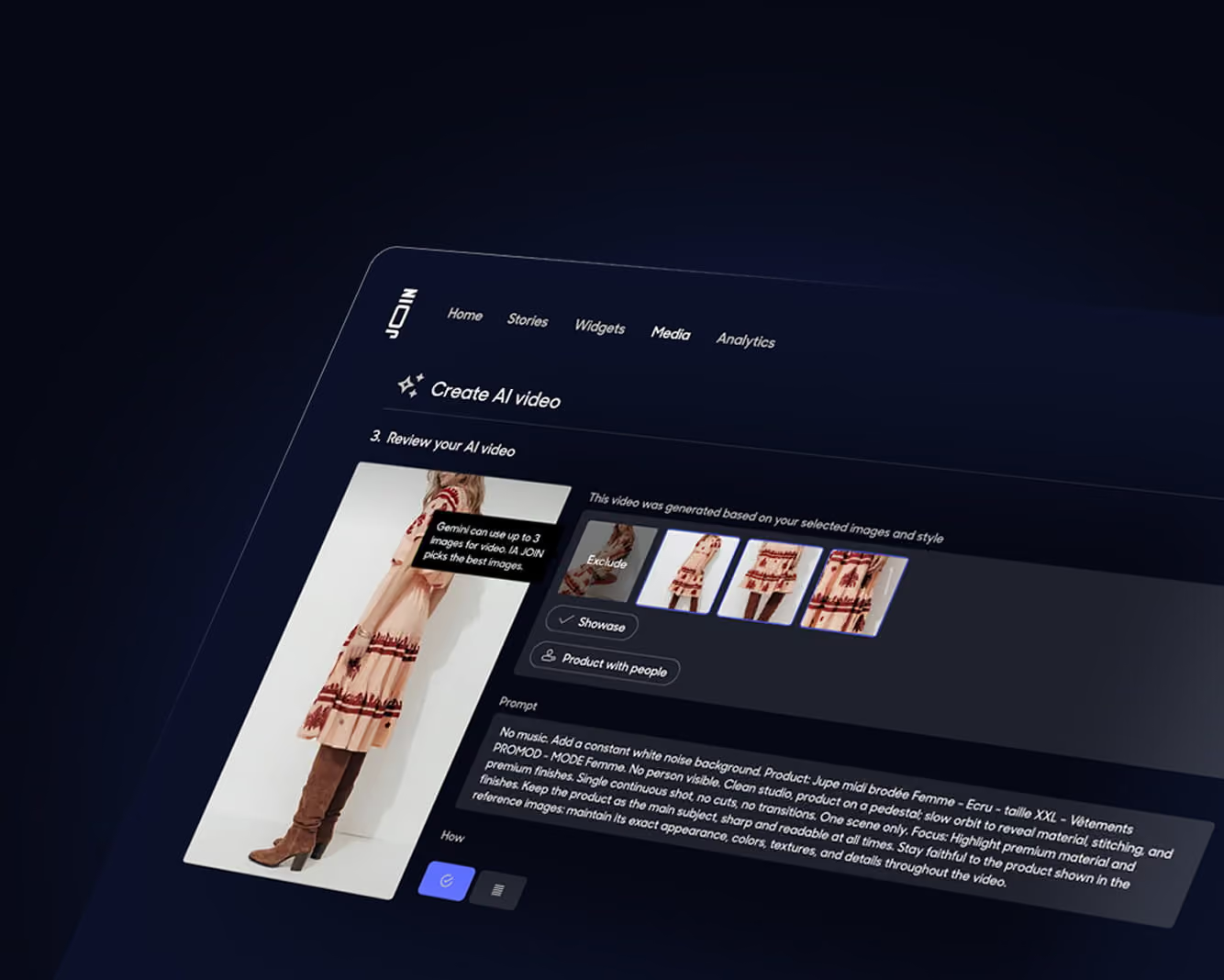
AI Studio is JOIN's AI-powered content creation platform. It helps ecommerce brands generate product videos and marketing visuals from existing product assets, making it possible to create content across an entire catalog, not just a handful of bestsellers.
What do I need to get started?
Simply provide a packshot, product image, or product page URL. AI Studio uses your existing product assets to generate videos and visuals automatically.
What content can I create?
AI Studio generates product videos, lifestyle visuals, promotional creatives, benefit-focused assets, and other ecommerce content designed to improve product discovery and conversion.
How long does video generation take?
Most assets are generated in seconds. Videos typically take less than five minutes, while image generation usually takes less than one minute for multiple creative variations.
Can I create videos or images for my entire catalog?
Yes. AI Studio is designed to scale content creation across hundreds or thousands of products, helping brands increase content coverage without increasing production costs.
Can I customize the generated videos?
Absolutely. Generate multiple variations, edit messaging, adjust creative direction, and create new concepts using simple prompts.
Do I need a studio shoot, creator content, or an agency?
No. AI Studio creates content from your existing product assets, eliminating the need for traditional production workflows.
Many brands still invest in premium shoots for hero products, while using AI Studio to scale content across the rest of their catalog.
What quality can I expect?
JOIN combines leading AI models with ecommerce-specific workflows optimized for product presentation, shopper engagement, and conversion.
Can I regenerate an asset if I'm not satisfied?
Yes. You can generate alternative versions and explore multiple creative directions until you find the result that fits your brand.
How does AI Studio pricing work?
AI Studio operates on a token-based system. Credits (or tokens) can be used to generate videos and images depending on your content strategy and catalog size.L'abonnement mensuel JOIN AI Studio commence à 99€ / mois et comprend 30 000 Studio Tokens / mois soit un équivalent de 35 vidéos par mois.